
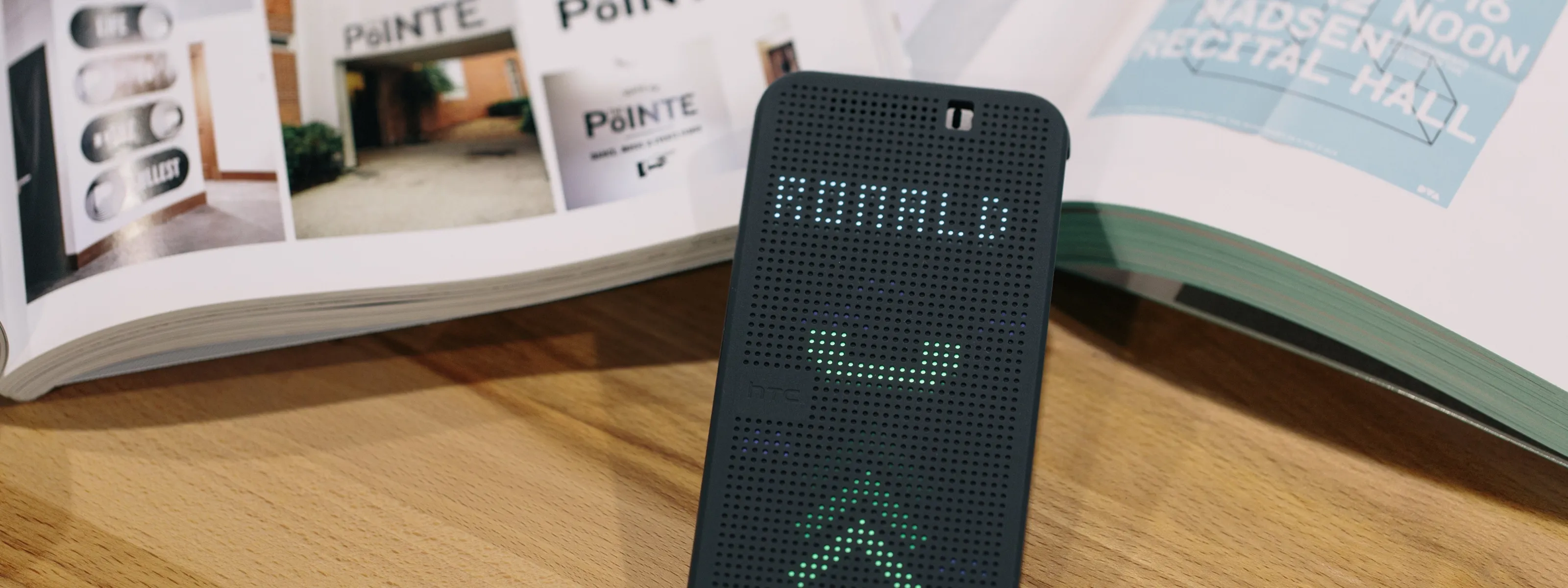
How can we make a phone answerable at a glance —key information through a closed case, and fewer steps to act?
- Company
- HTC
- Role
- UI Designer
- Platform
- Mobile
- Period
- 2014
Overview
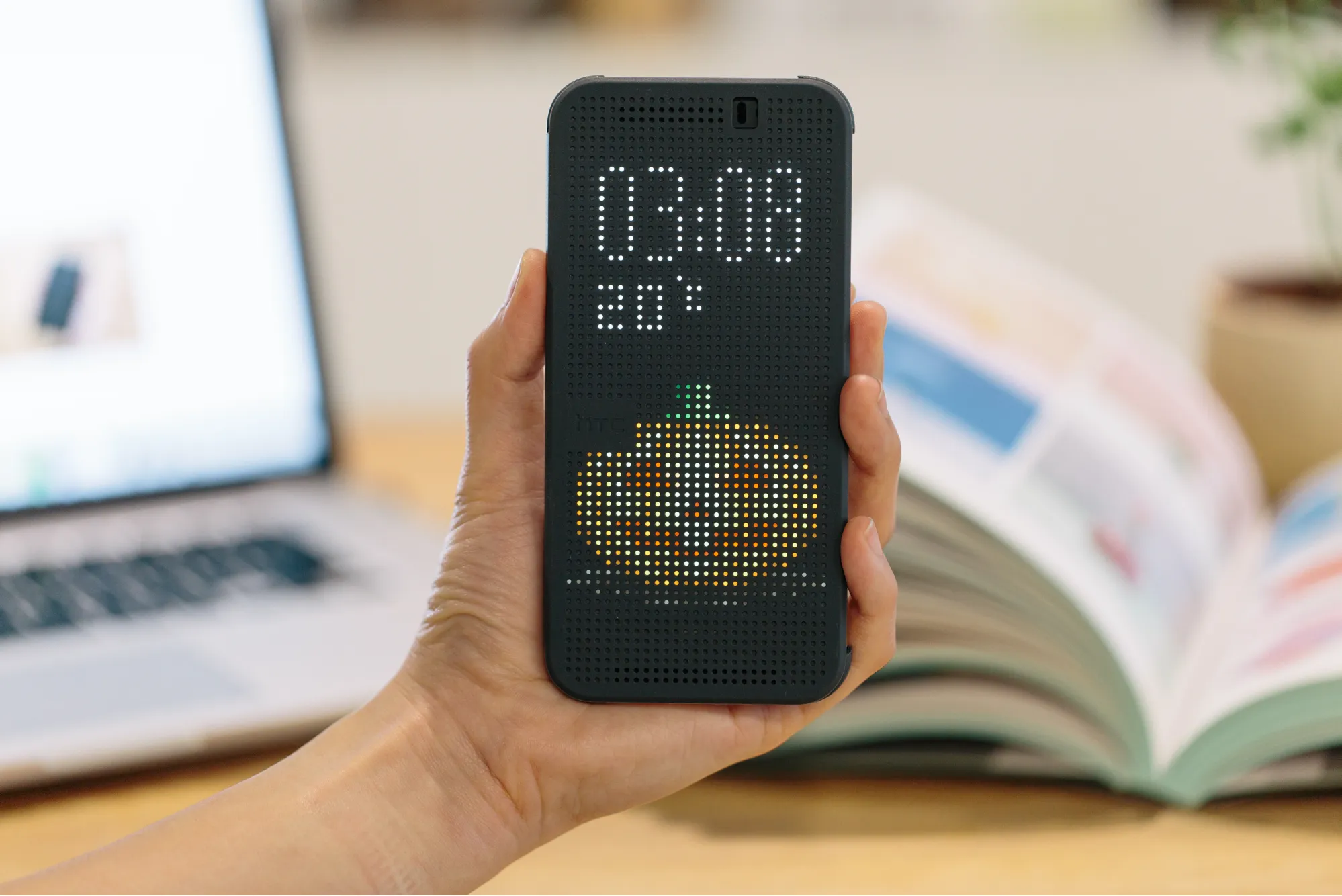
Dot View is a flip case with a dot-matrix front. Through the closed cover it shows the time, the weather and who is calling — so the common questions get answered without opening anything.
I worked on the UI and app flow for the companion app, on the screen transitions and motion behaviour that had to suit a display made of visible dots, and on the micro-interactions and holiday animations that gave the thing a personality. The brief was as much about character as about function: a 2014 flip case competing on protection alone had nothing to say.
The goal
One hand, cover closedOperating a phone through a flip case traditionally means opening the cover first. That is awkward one-handed, which is most of the time a phone is actually used.
So the target was not a better cover. It was to make the closed state useful enough that opening it stops being the first step of every interaction.
Constraints
Two of these we could not design awayWhat we built
Six additions to the previous versionWe went to the IM vendors rather than around them — Google, Facebook, Line, WhatsApp and WeChat — and drew their notification icons in Dot View’s own style, so the notifications people actually get could finally appear.
For the sensor problem we worked with ID and mechanical engineering to shift the UI position per model, and pushed the essential functions onto iconic screens that survive being moved. That is the unglamorous half of the project and the half that decided whether it worked on the phone someone owned.
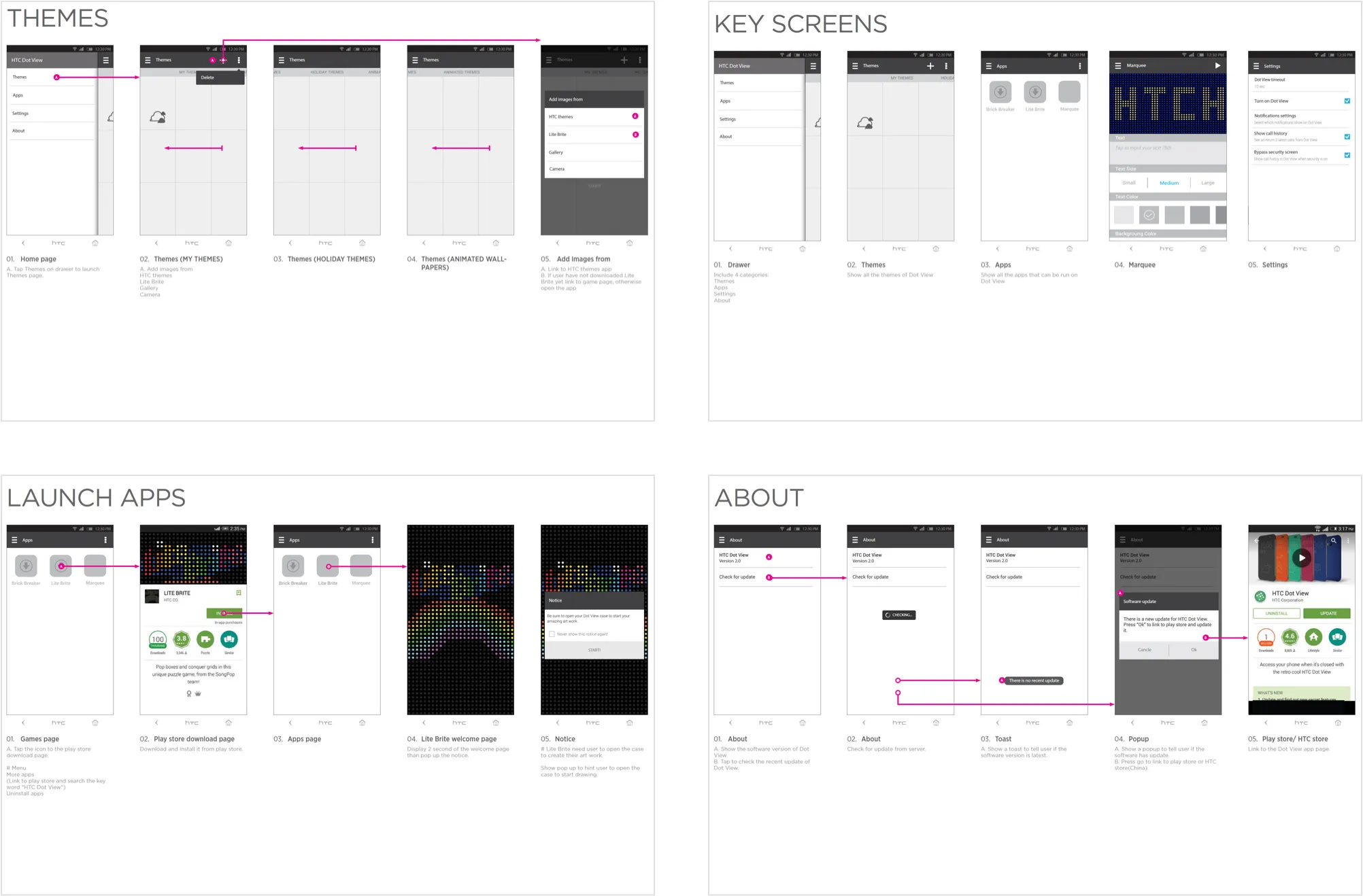
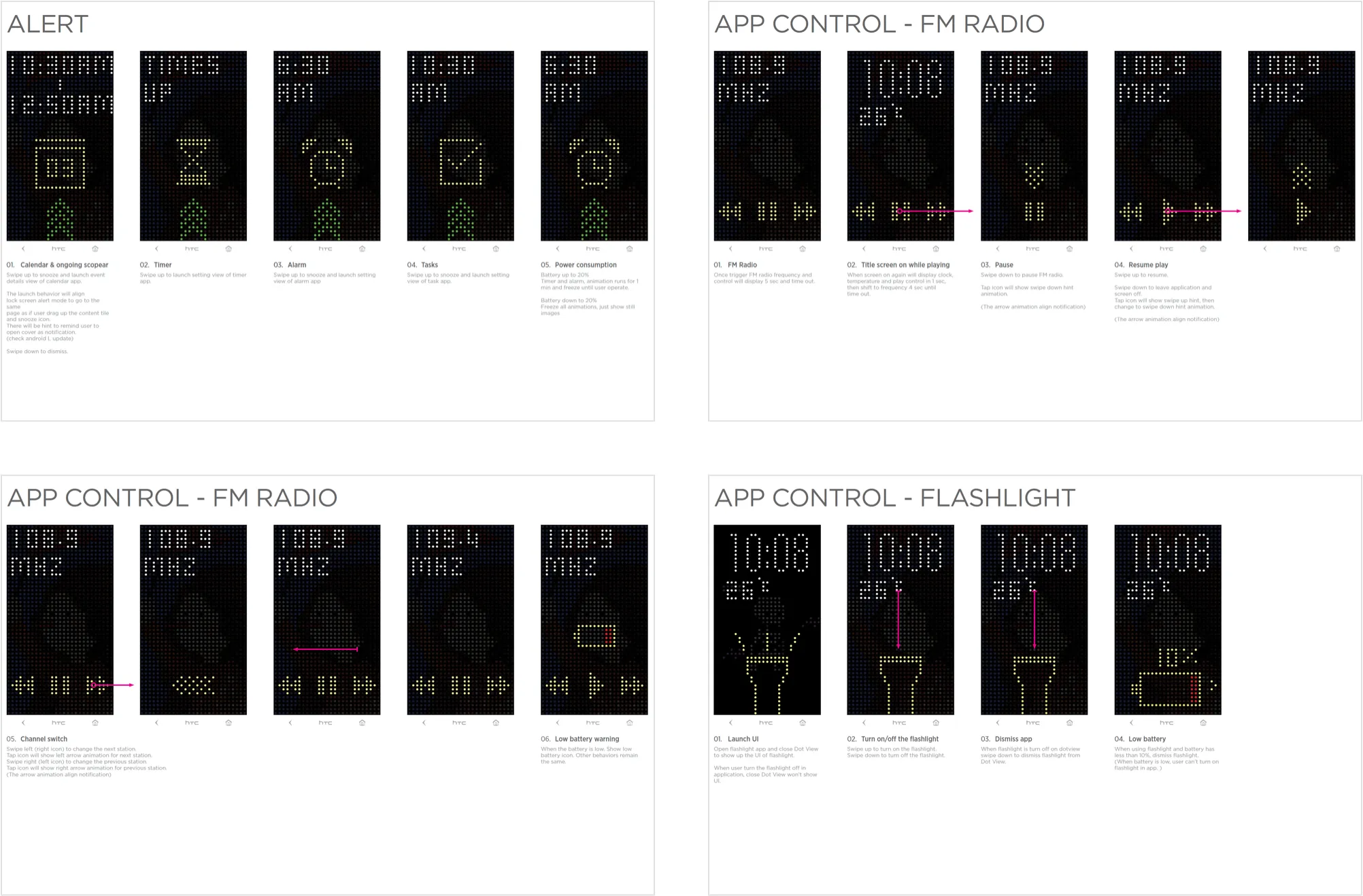
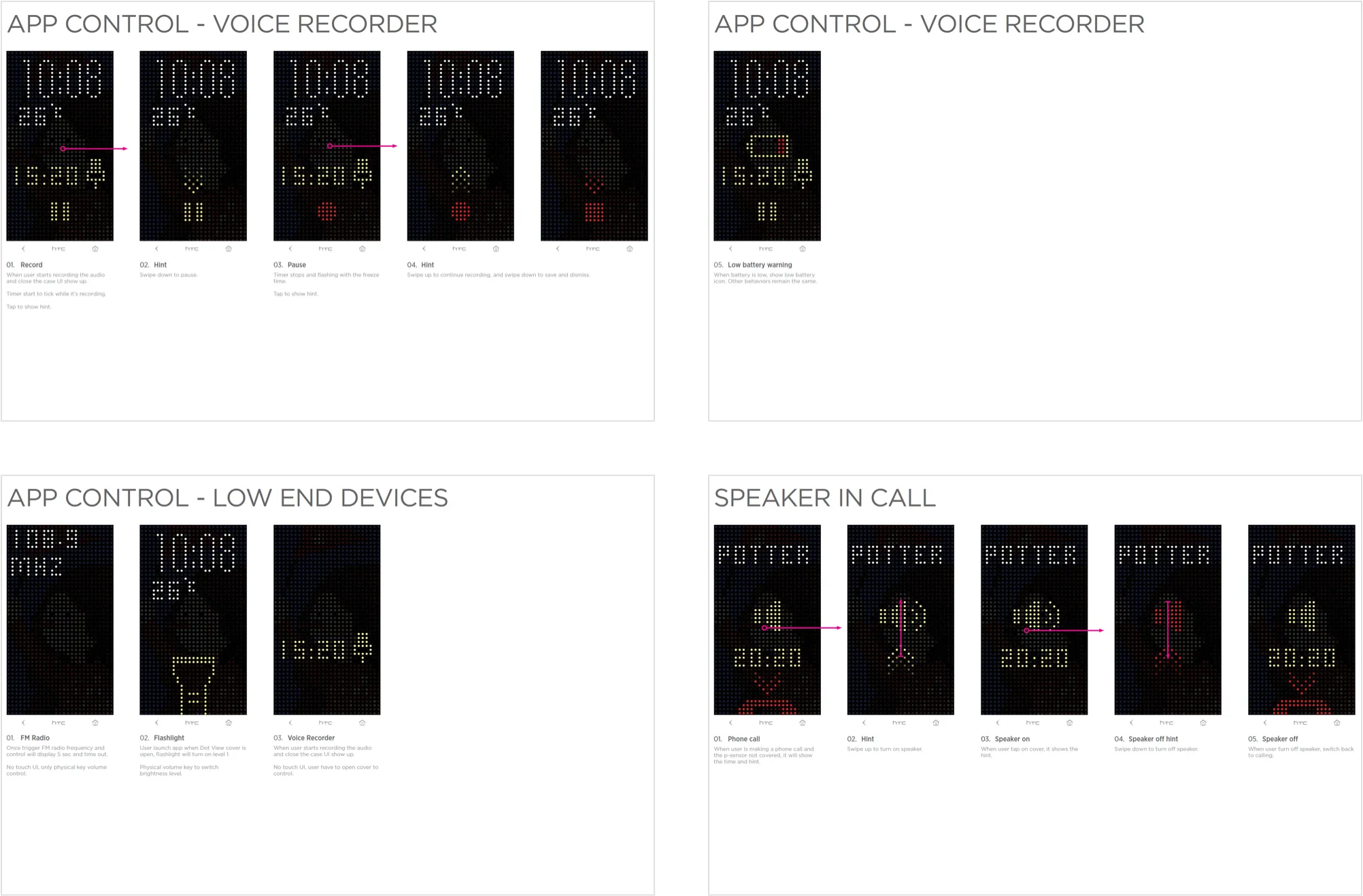
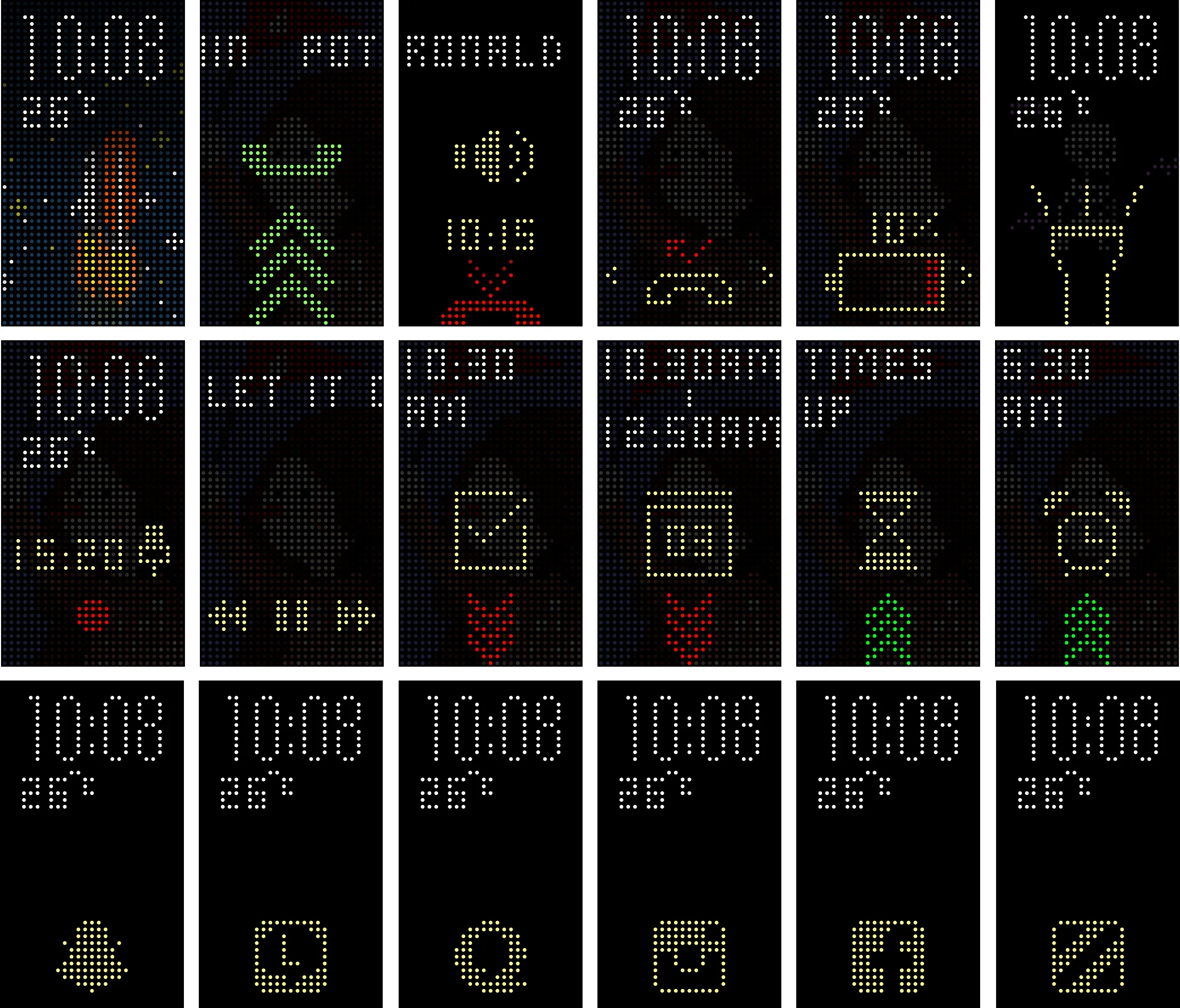
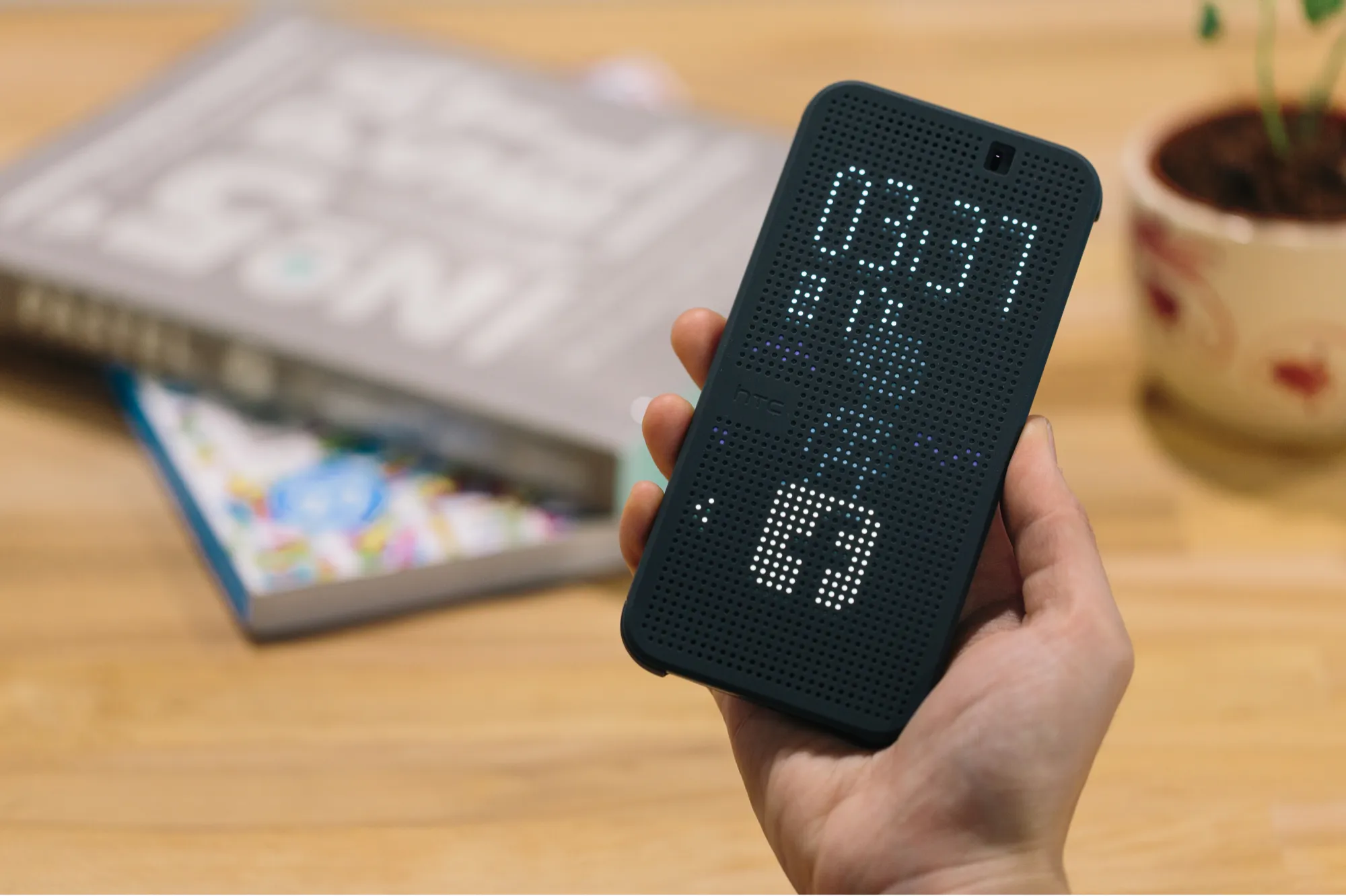
Holiday themes






























Eight occasions, three animations eachThe system recognises an approaching holiday or birthday and dresses itself for it. The main animation runs on the home screen and two more appear on the incoming call screen and the media controls, so the occasion follows you through the interactions rather than sitting on a wallpaper.




Dot View themes

Switchable at any timeThree themes for Dot View 2.0, each animated across the same three surfaces.
Extended applications
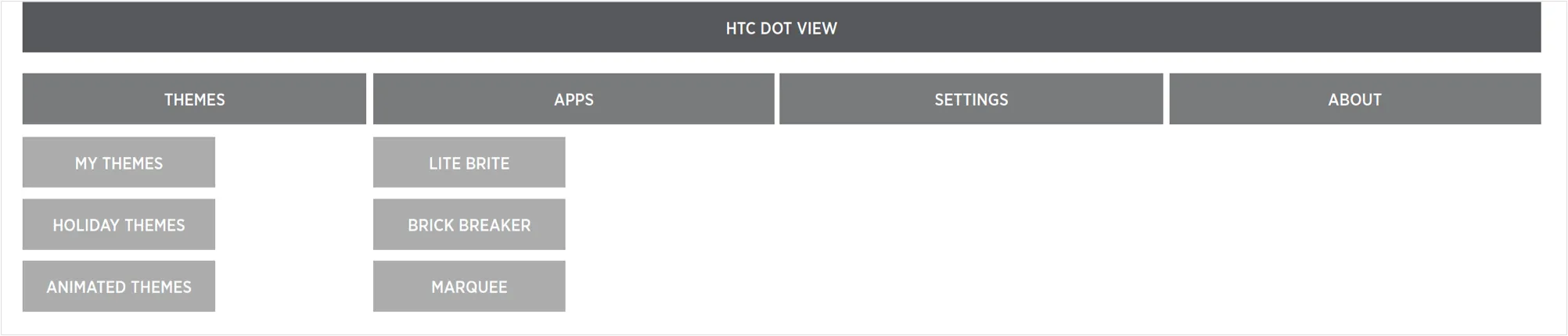
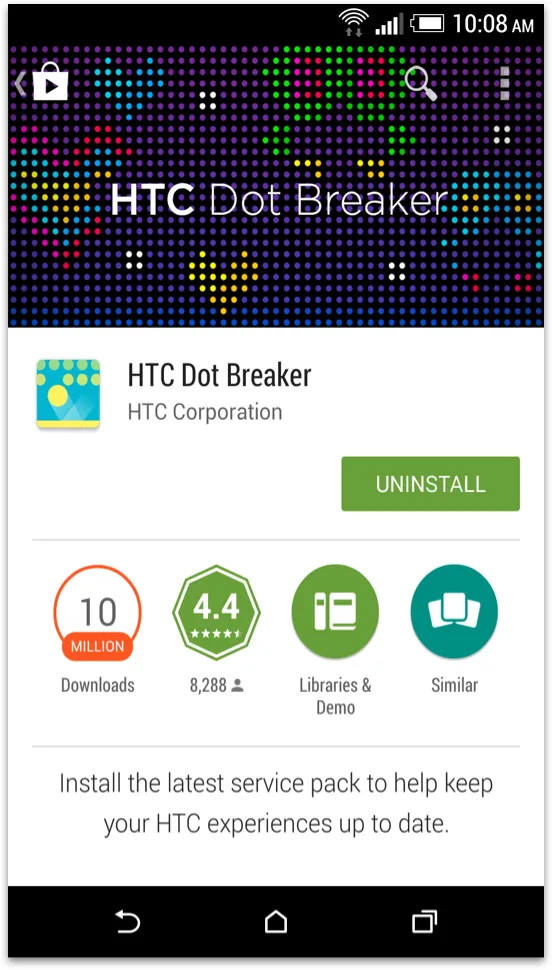
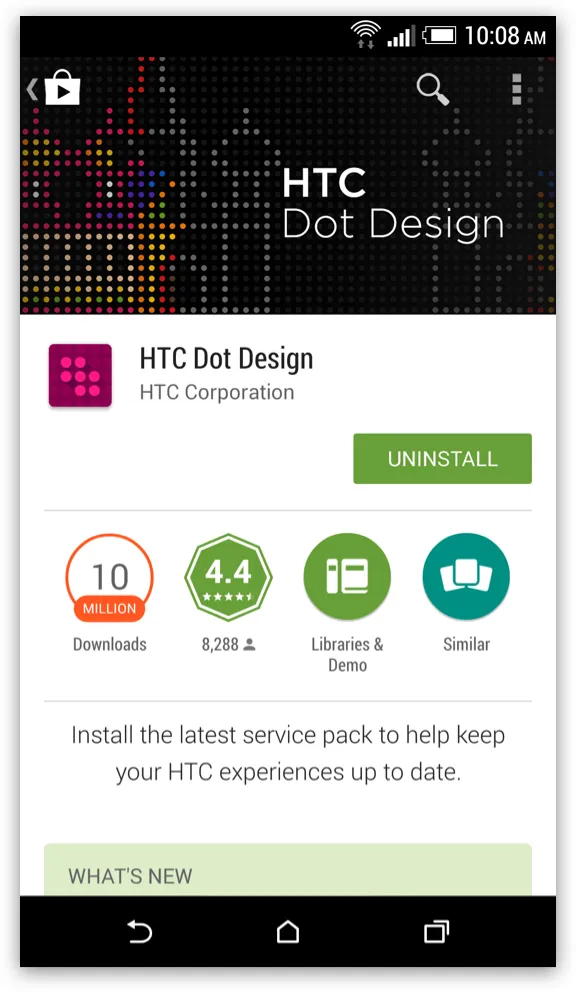
Dot Breaker · Dot Design · Dot MessageIn a market where Samsung was selling plated cases and third parties were covering the iPhone, protection was not a position. Three apps were built to make the case something you use rather than something you have.
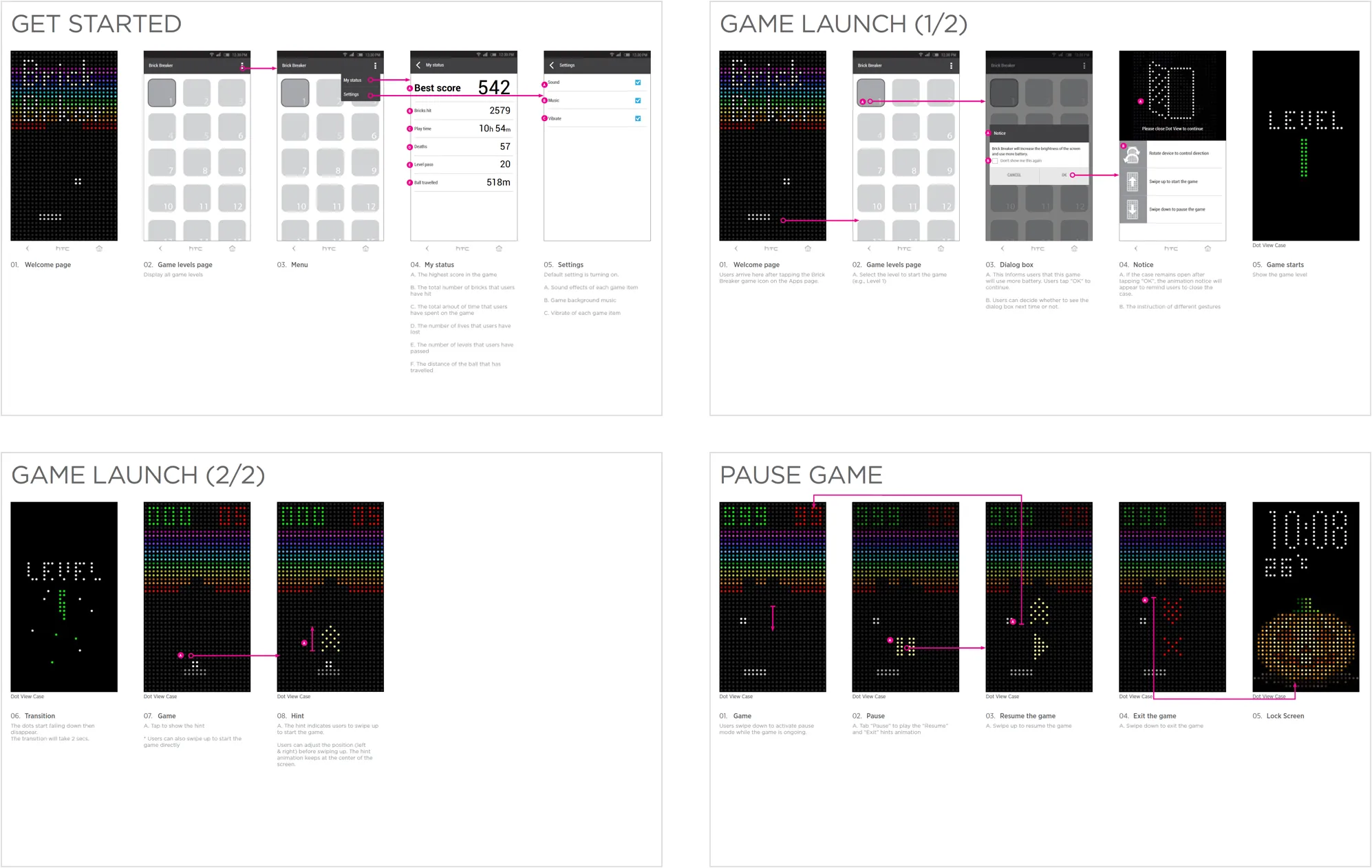
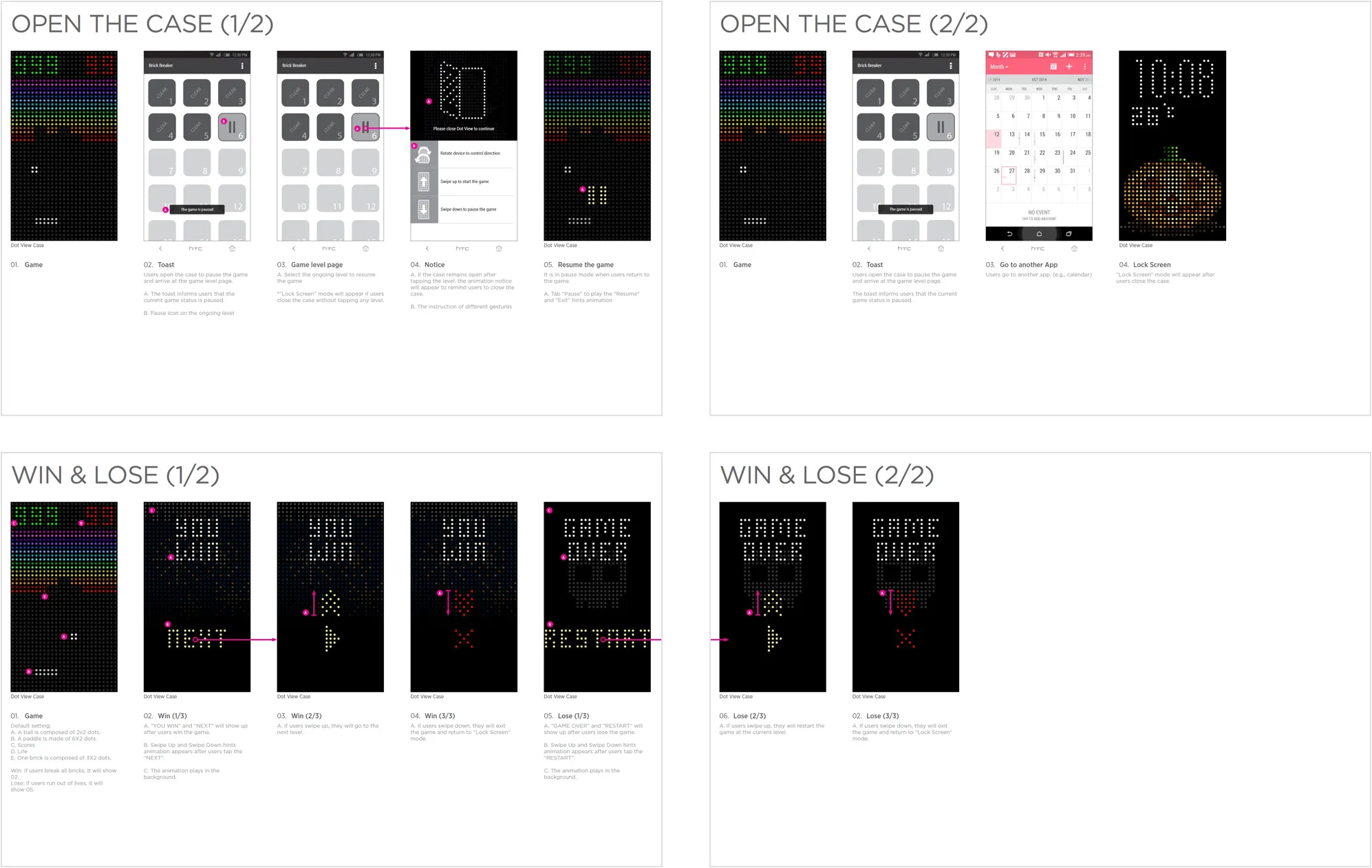
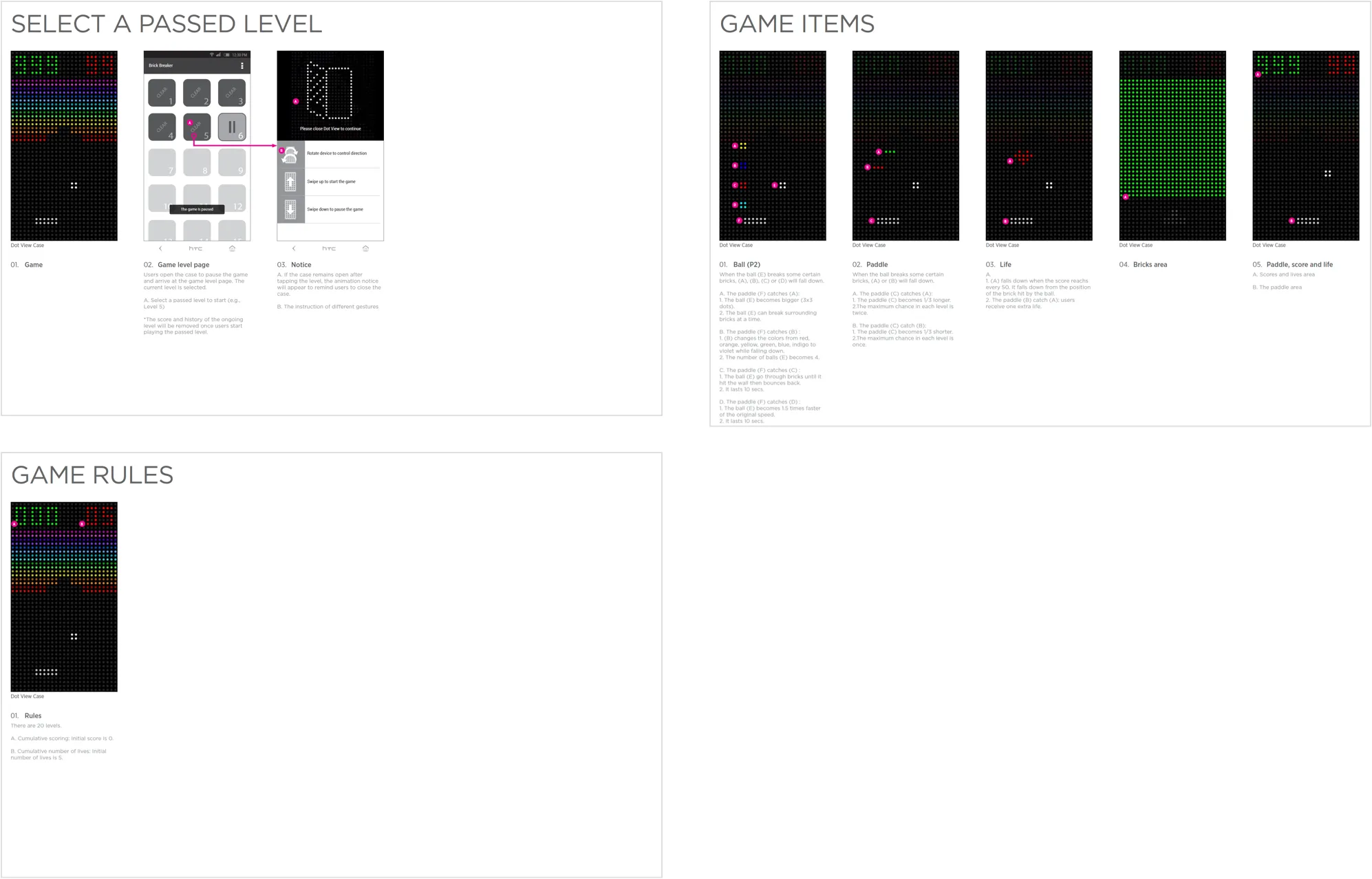
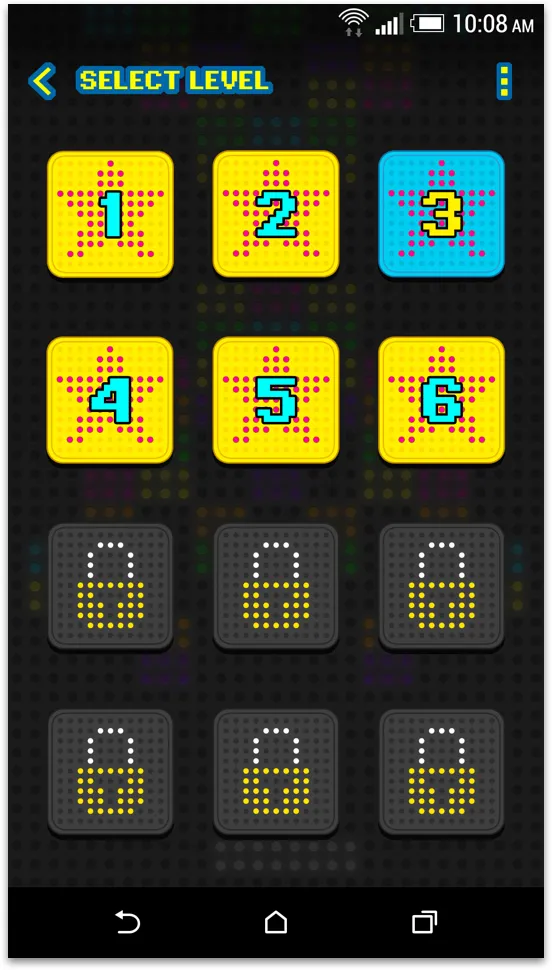
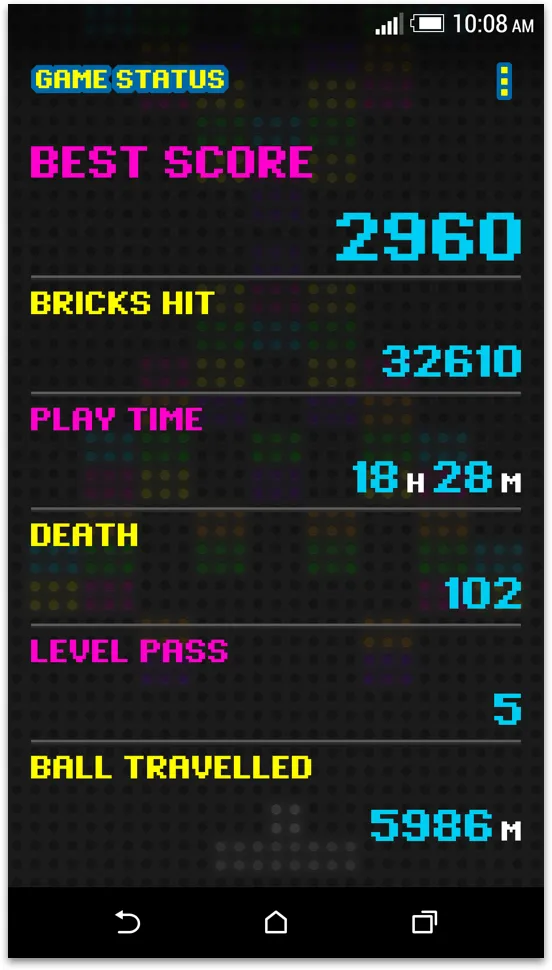
A block breaker is one of the few things that reads perfectly on a low-resolution monochrome cover.
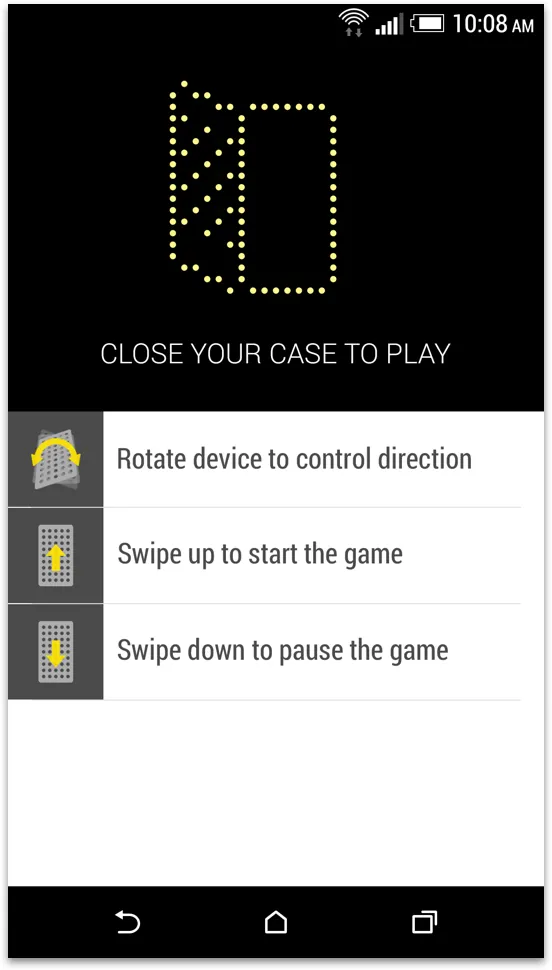
Twenty levels, controlled by the gyro sensor with the cover shut. The case is already a dot-matrix display, and this asks nothing of it that it cannot give — no fine input, no detail it cannot draw.
- Craft
- Dot-matrix type throughout the app UI, so the phone-side screens and the cover-side game are recognisably one product rather than a game with a case attached.
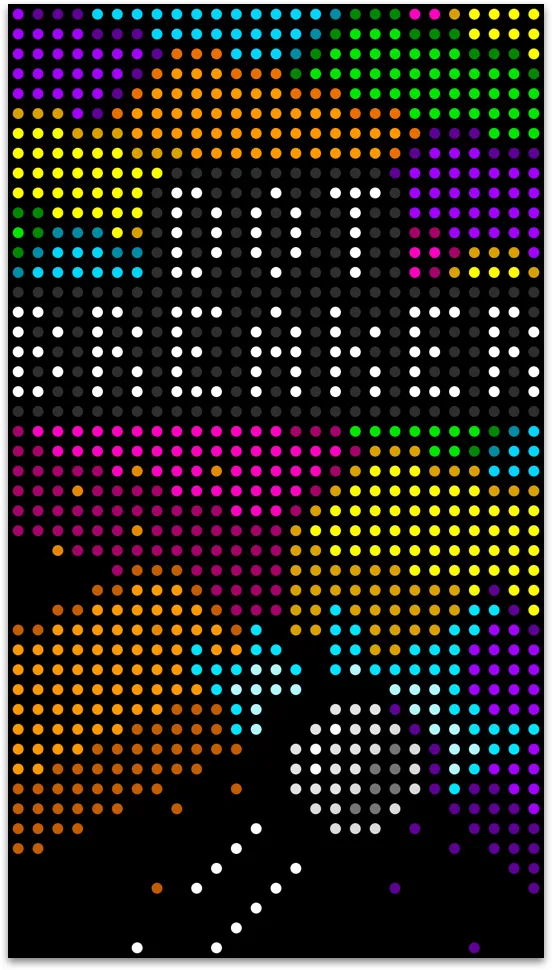
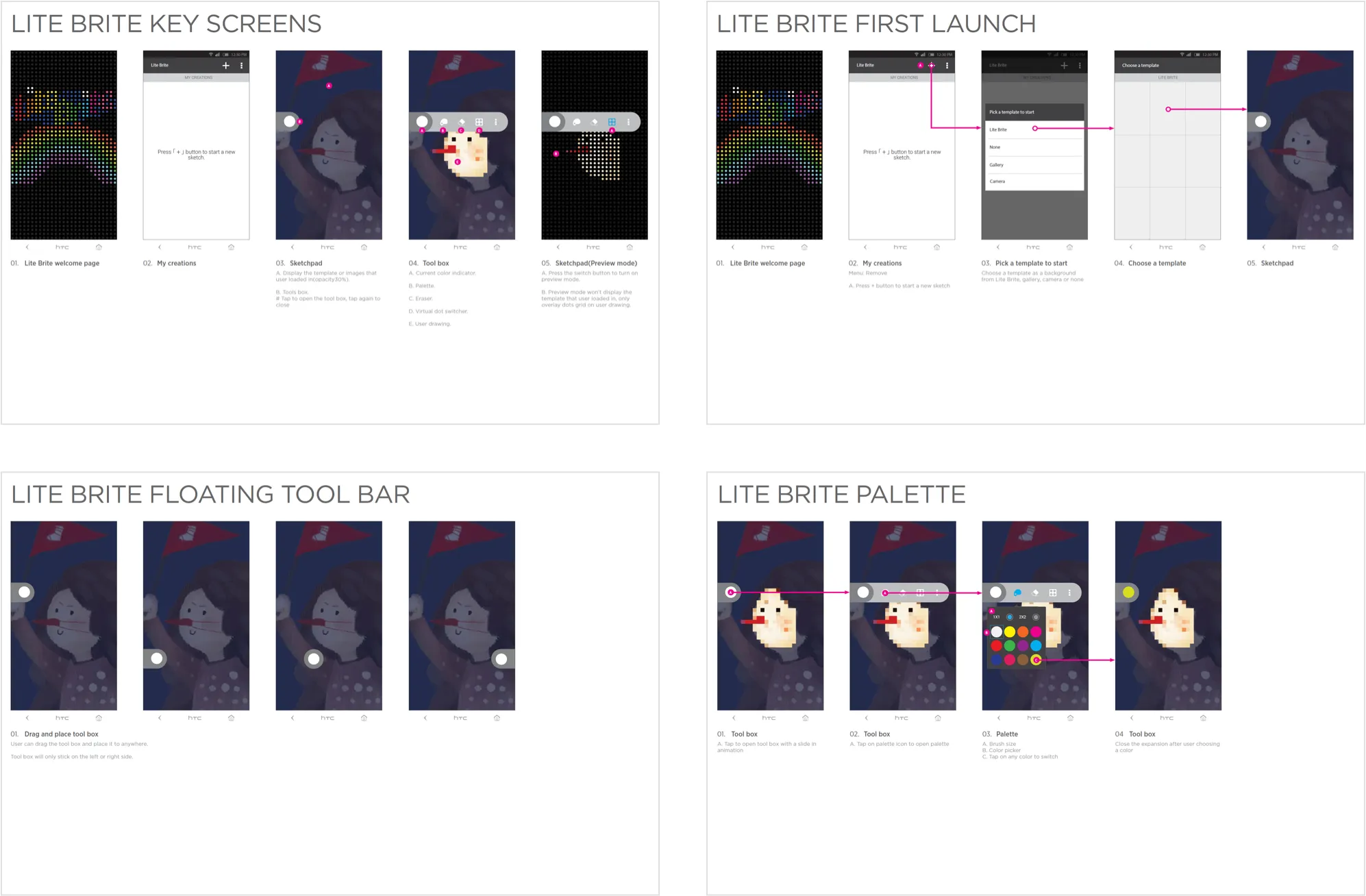
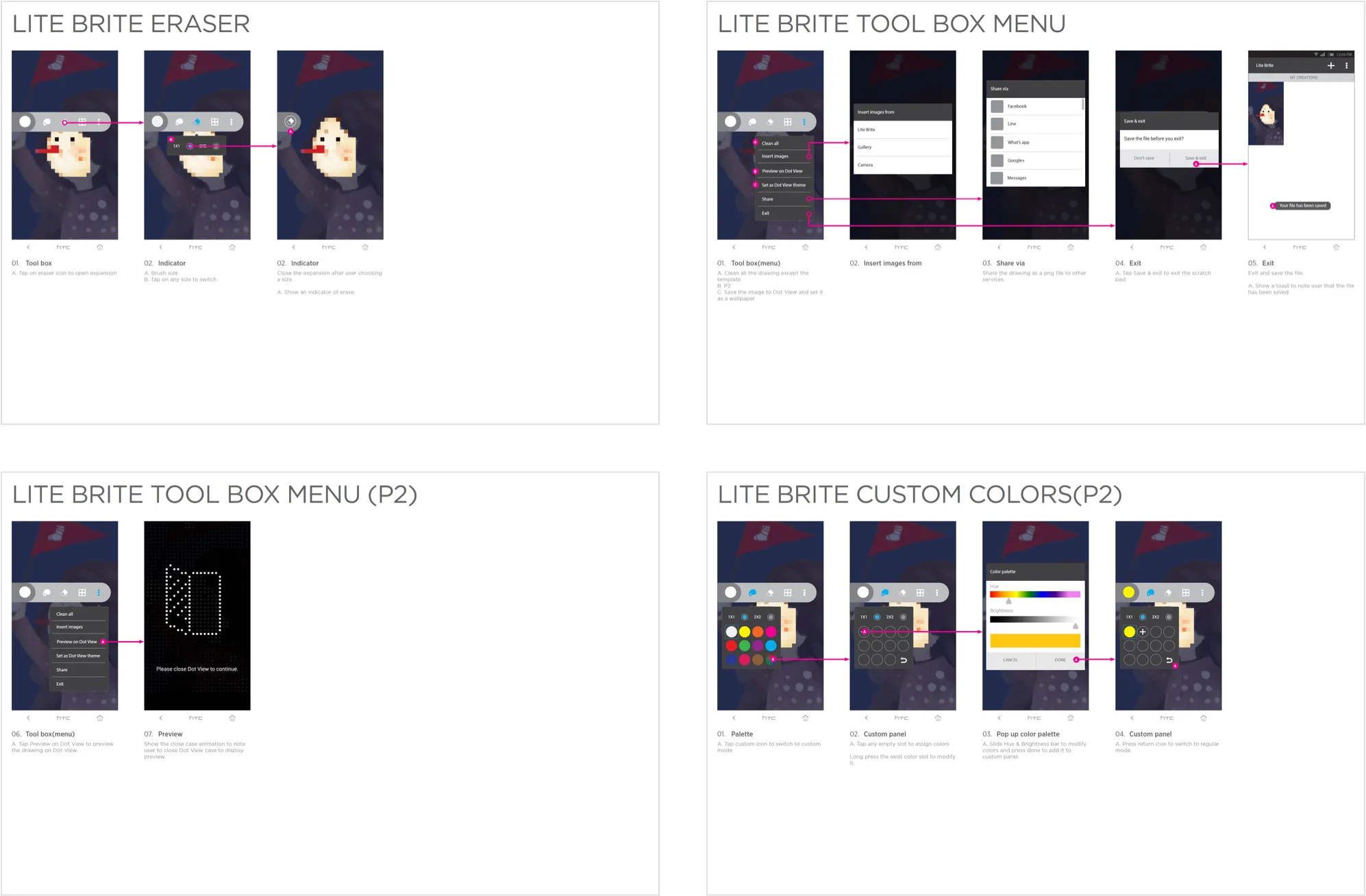
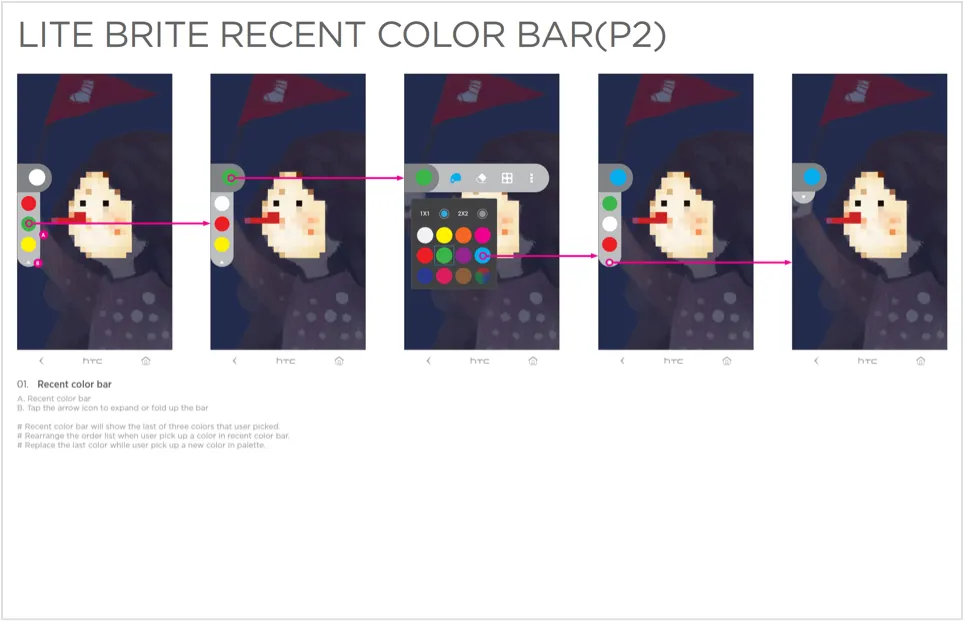
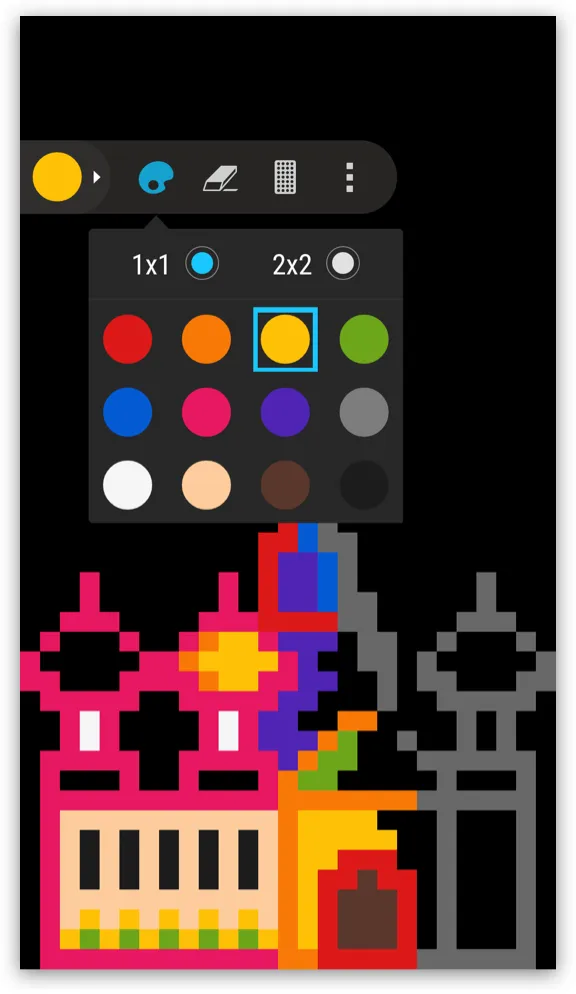
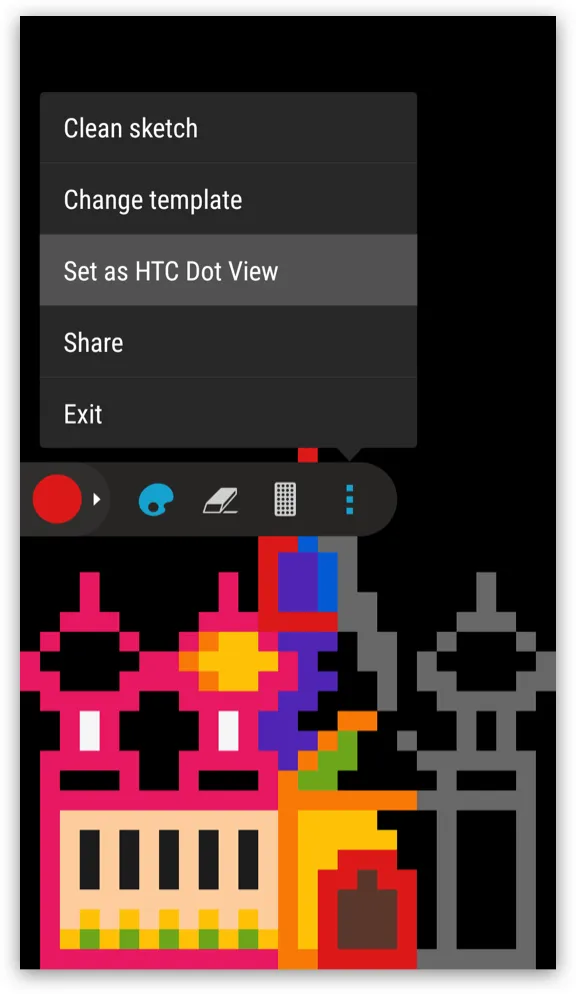
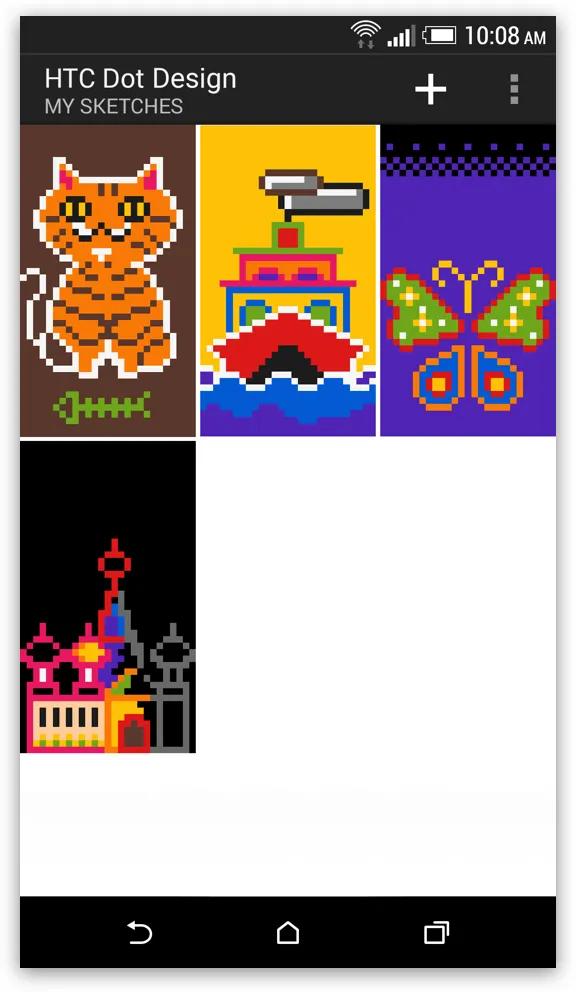
Templates for anyone who does not want to start at a blank canvas, and a blank canvas for anyone who does.
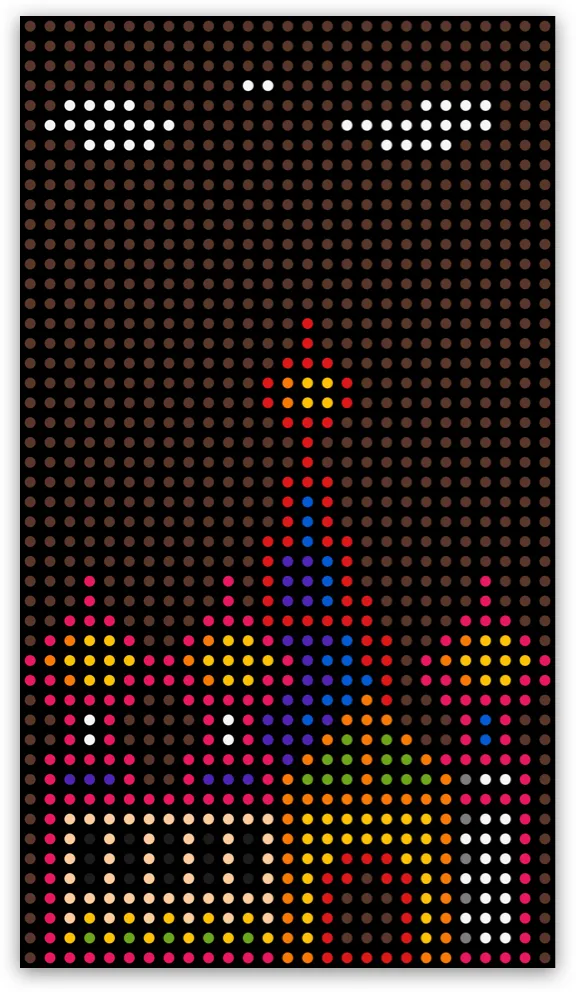
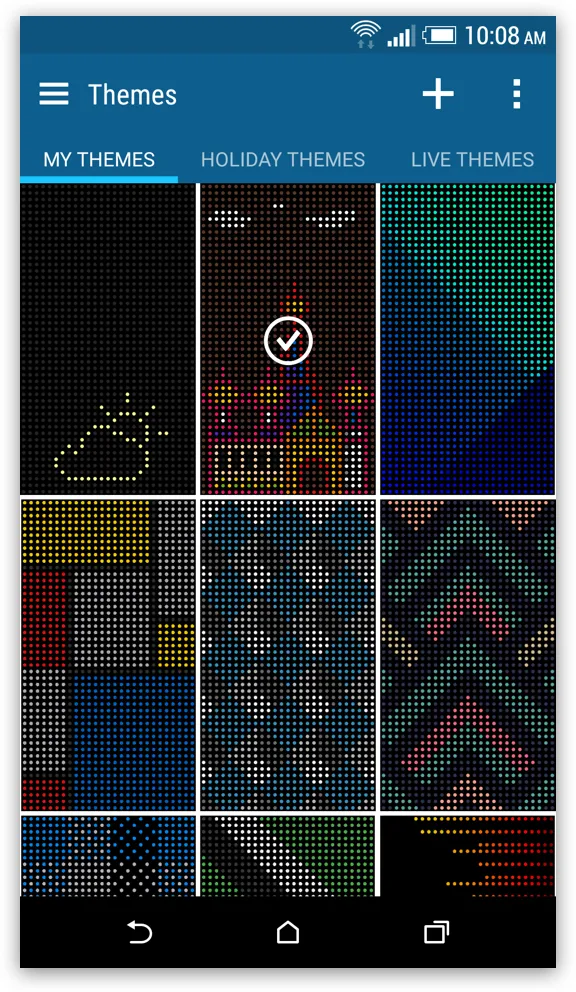
Users make their own Dot View wallpapers, and the two ways in are the whole of it — something to begin from, or nothing at all.
- Craft
- A floating menu the user can move, because on a canvas the tool is always in the way of exactly the part being worked on — a fixed toolbar would have made the corner it sits in undrawable.
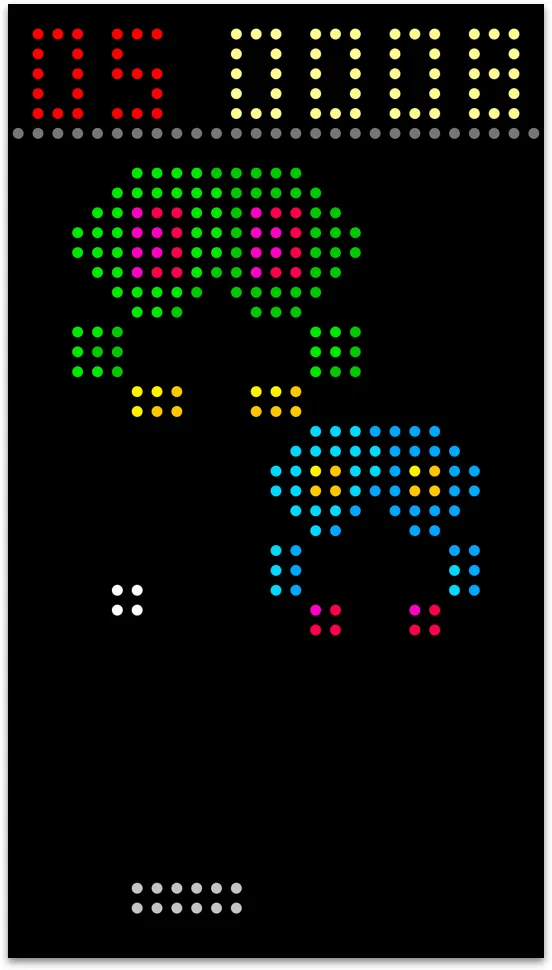
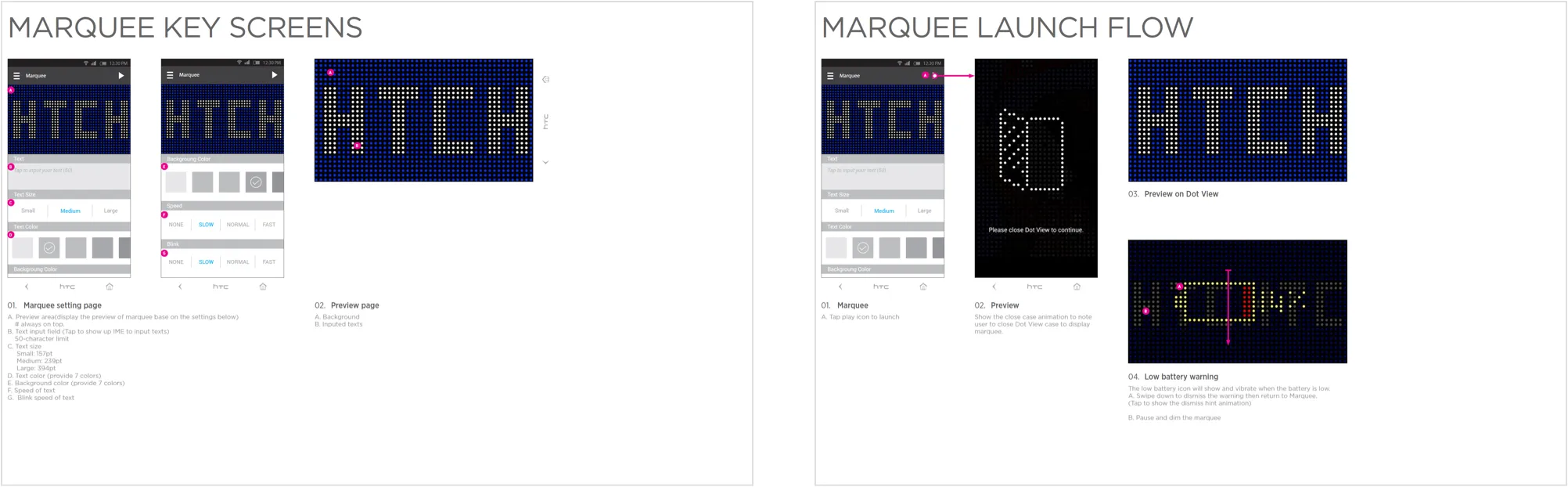
The cover becomes something other people can write on, not just a readout.
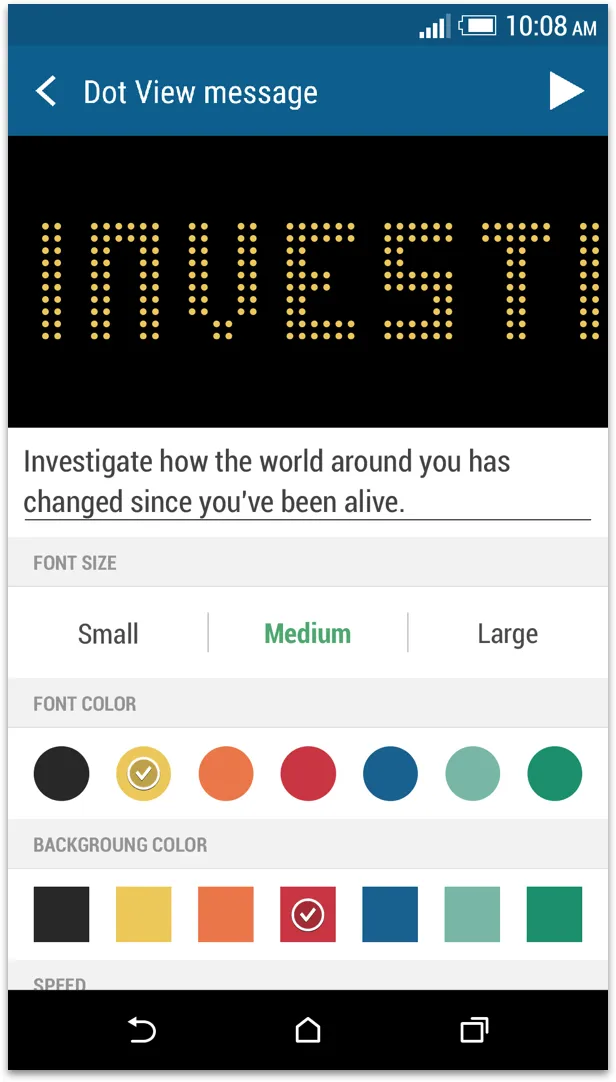

Text scrolls across the front of the case, sent from someone else’s phone.
- Sending
- The sender chooses the words, the colour and the flash rate, and sends it to another person’s case.
Outcome
Dot View was well received, including by The Verge and CNET, who picked up the new features and the companion apps. The source was released so developers could build their own apps and themes for it.